Proxy Only in Esko
Your proxy applies inside Esko and nowhere else. Banking apps, messengers and everything else on your phone keep their normal connection.
Learn More →Esko sends your browsing through your proxy server. Every other app keeps its normal connection.
Your proxy applies inside Esko and nowhere else. Banking apps, messengers and everything else on your phone keep their normal connection.
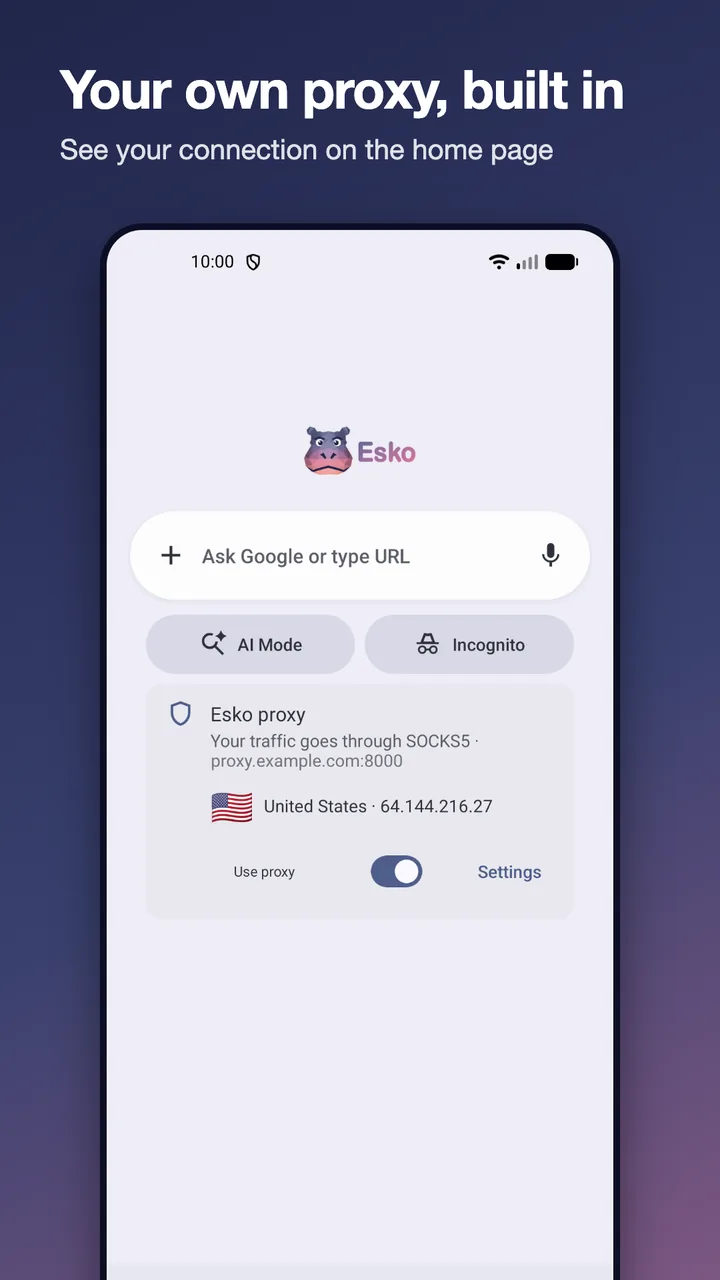
Learn More →A card on the home page shows the country and IP address sites see. Turn the proxy on or off from there.
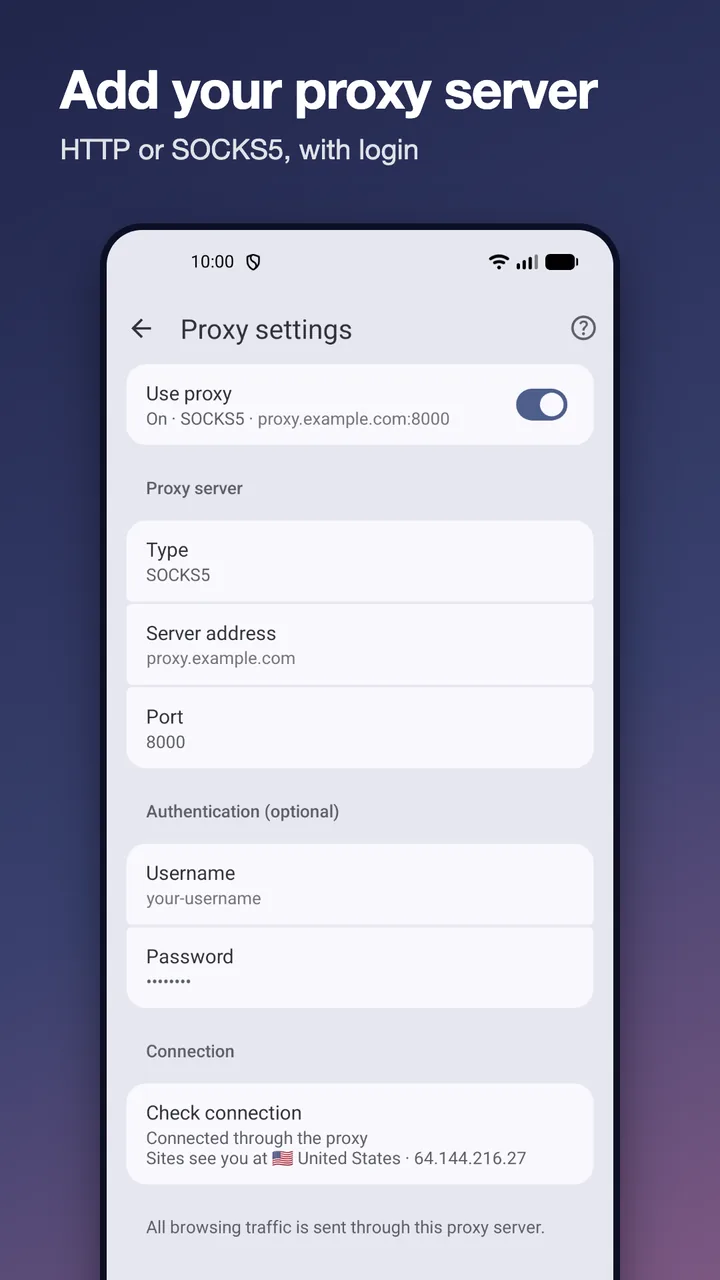
One tap in Proxy settings tells you whether the proxy works and where sites see you.
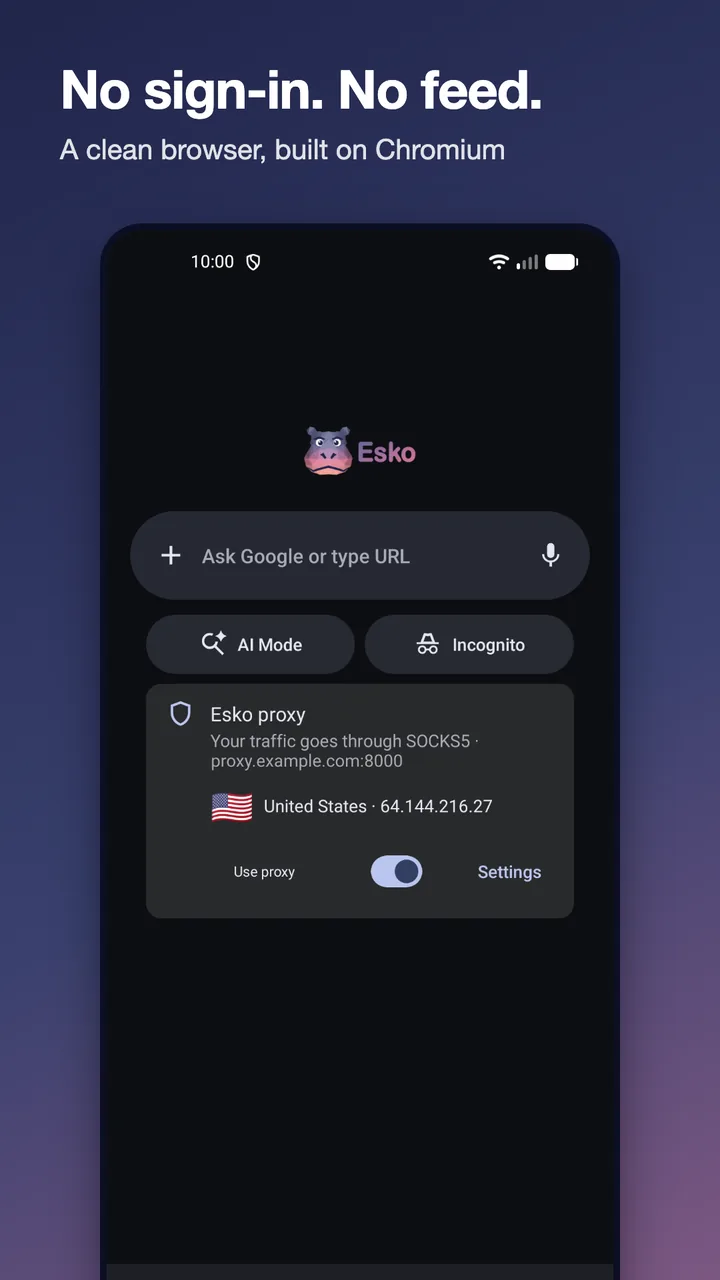
No account prompts, no news feed, no tips cards. A clean browser built on Chromium.
Enter the address and port of your HTTP or SOCKS5 proxy, plus your login if it needs one.
Turn the proxy on and check it. Esko shows the country and IP address sites will see.
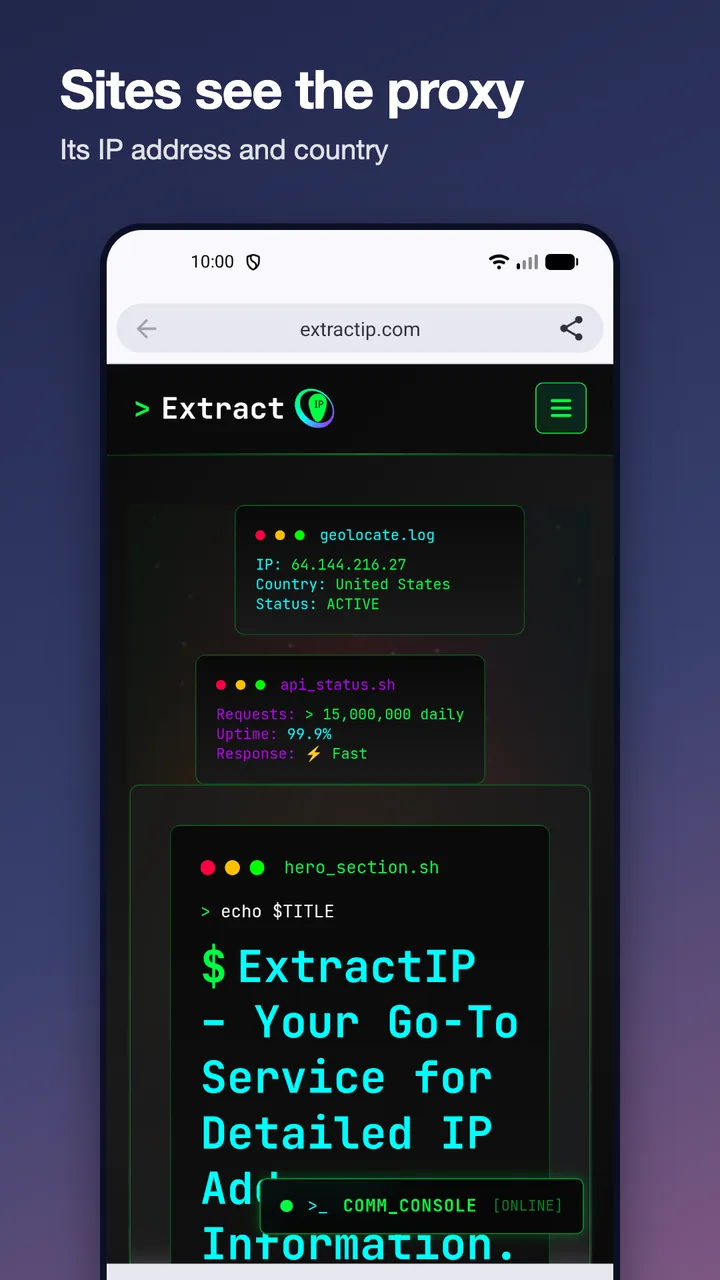
Sites see your proxy instead of your own IP address. Your other apps carry on as usual.
Support the development of Esko Browser. Every donation, no matter the size, helps us keep it up to date and improve it. You can set your own amount on the next page.
Support Esko BrowserSecured by Stripe. Encrypted and safe.
No. Only the traffic inside Esko goes through the proxy. Your other apps keep their normal connection.
Yes, Esko Browser offers a robust free version for individual privacy.
HTTP and SOCKS5 proxies, with an optional username and password. Proxies that allow your IP address need no login.
No. You use your own proxy from any provider you trust. Without one, Esko works as a normal browser.
No. A proxy changes the IP address sites see, but it does not add encryption. HTTPS sites stay encrypted as usual. Your proxy provider can see which sites you connect to, so choose one you trust.